



Learn how to move a wordpress site to Hostgator or a new hosting company.
If you need to move a website over to Hostgator and it’s a wordpress website, this video is going to show you how to transfer a website and have no downtime.
I’ll be showing you how to transfer a wordpress blog backup and install it on Hostgator hosting, you don’t need to be using Hostgator, your host just needs to access to phpmyadmin to follow along.
In this video I’m going to cover, downloading the wordpress complete backup and database, this is created with a plugin called “WordPress for Google Drive”
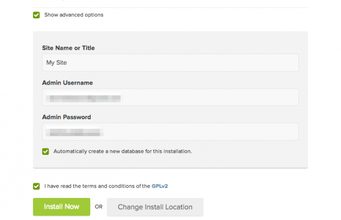
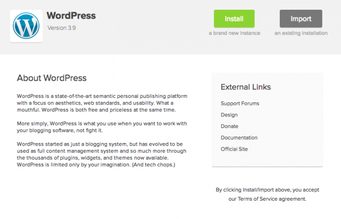
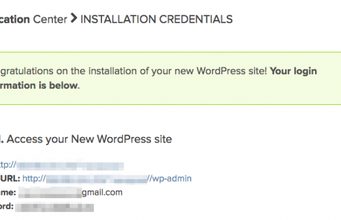
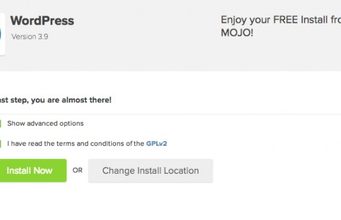
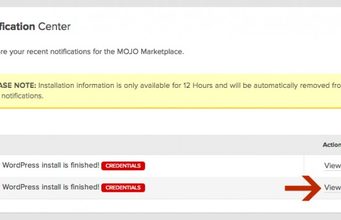
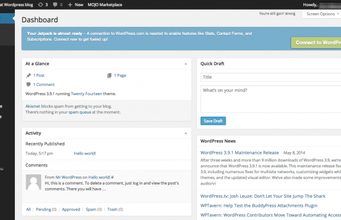
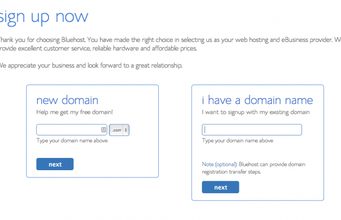
Adding domain to Hostgator and installing a new wordpress blog.
Uploading the wordpress blog backup core files via FileZilia a free FTP software program.
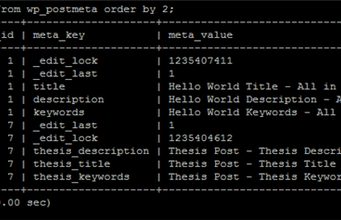
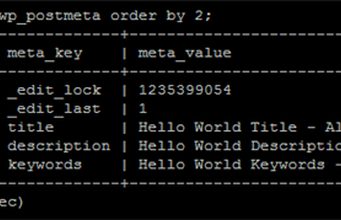
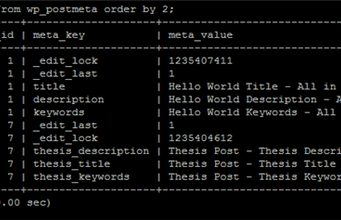
And the final step of importing the wordpress blog database via phpmyadmin
If you need any help please feel free to ask for help, if you’ve already joined Hostgator don’t forget you can always jump on the live chat support.
Hostgator Coupon codes:
howtovideo = $9.95 OFF
howtovideo25 = 25% OFF total checkout
Here is the long version of how to move a wordpress blog: http://www.youtube.com/watch?v=EEtDm81puuw
WordPress Backup Plugin Videos
This video is a little old and I plan on creating a new one ASAP, the plugin is called “WordPress for Google Plus”.
The other plugin mentioned in the video is called “BackWPup”. I’m going to redo the video and will post link here over the weekend.
Smith give me your youtube tutorial link for Google Drive for WordPress…Thanks
THIS FAR TOO COMPLICATED! You have to be some kind of GENIUS!WAY,WAY,WAT TOO COMPLICATED! THIS IS TOTALY OUT OF MY DEPTH!
Beware – if this is the first site you are transferring over to Hostgator YOU DO NEED the wp-config.php file – else you wont be able to get into phpmyadmin. Youll get 401 permission errors
Thank you for the great video! Very helpful. :-)
is there anyway of doing this without going through hostgator. I have a webhost and site so there is no need for me to be pauing £x a month for something I have.
Thanks Craig. Excellent.
ass hole, you are blurring the video we are not even understanding what you are doing
Hi Craig, Thanks for the tutorial, its very informative.
this is for multiple account under the primary domain (Baby package in HG) and thats what I have from other hosting and planned to transfer to HG. But my question is how do you transfer the primary domain first I mean should I do the same procedure as you described for my primary domain and then add new domain under primary account and follow your steps? Thanks a million :)
So by doing a clean install of WordPress with QuickInstall you're bypassing the part where you have to manually add a database, and edit the wp-config.php file to make contact with the database you made; exactly where a lot of people make mistakes. Smart move!
Hi craig i followed your steps and all seems to have gone well but when i type in my domain it downloads a file and doesnt go to the site….perhaps backed up and transferred over a file i didnt need but not sure! can you help please??
hello Craig, can we use these same steps to migrate wordpress to VPS cpanel hosting?
Hi Victor, for some reason I can't reply to your comment directly. I used my cpanel login details to connect to the new hosting, primary domain and cpanel user and pass. But I would now recommend you take a look at this tutorial https://www.youtube.com/watch?v=D3XvZGkvoHc
When you first get on to FireZilla, What Details do you use to get the new files? So in other words, How do you connect to your new hosting ( 4:27 in the video) so I can see all the empty new files like you did?
Worked perfectly thank you
Just an update, he called the plugin to upload site into google drive "wordpress for google drive," but i had to type in "wp-google-drive" for it to pop up in the admin plug-in search menu.
Craig,
Having an issue. Don't see any of my pages, content, or photos. Seems to me like possibly a database issue I'm assuming. Any idea as to what it could be? I have followed your video instructions but no luck.
I have did the same thing you have told but i am getting ERROR 403 – FORBIDDEN http://www.magnacode.co.in … anyone can help me out with this error… its kinda urgent
thanks in advance
p.s – email me the solution
(ette.santhosh@how-to-create-a-blog.com
Never mind, I figured it out. For anyone wondering the same thing, you go to Settings/General and change the WordPress address and Site Address to the new site… DUh.. 🙂 Thanks for the video again!
thanks
Nice video bro thanks i got help alot